
Friends dance
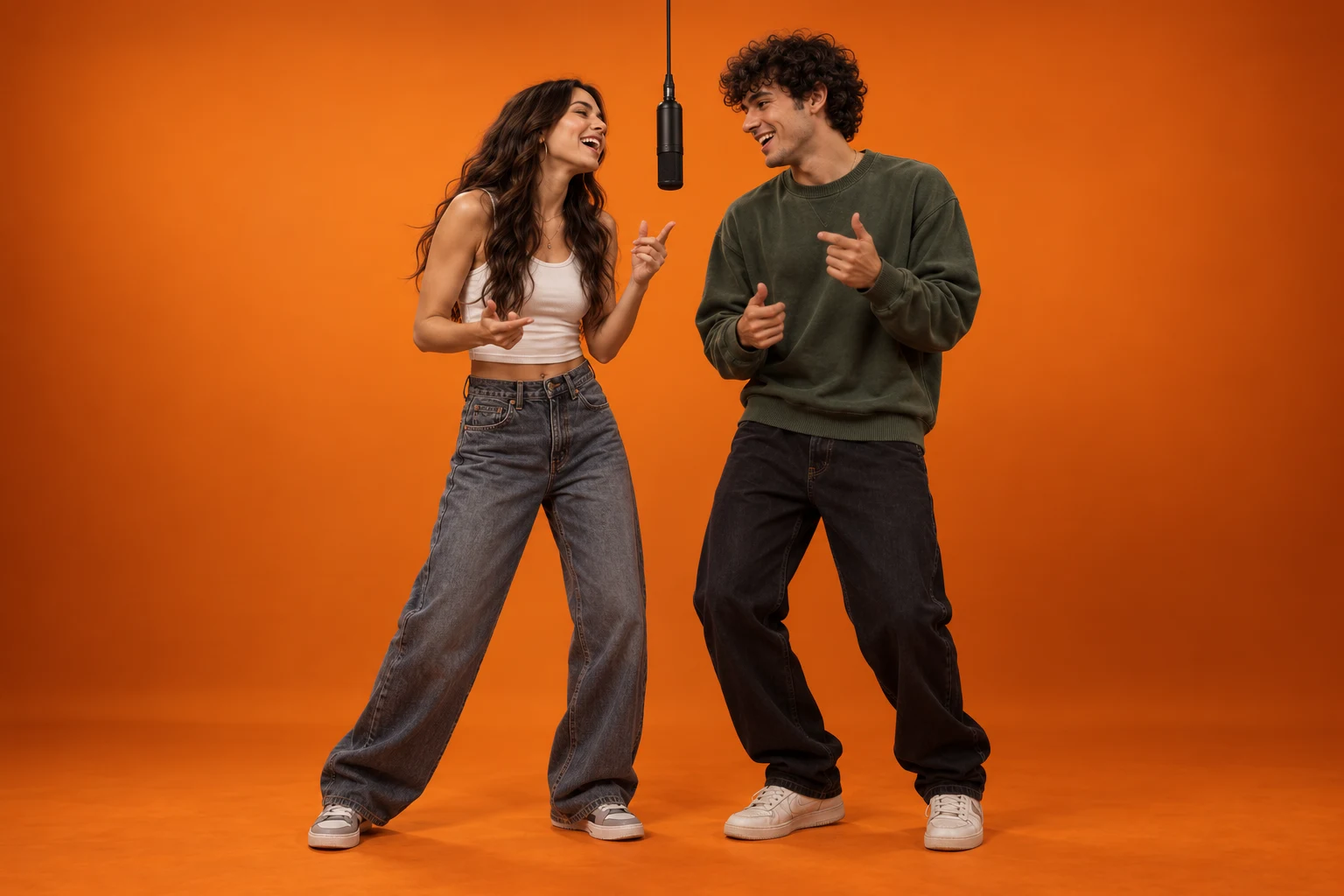
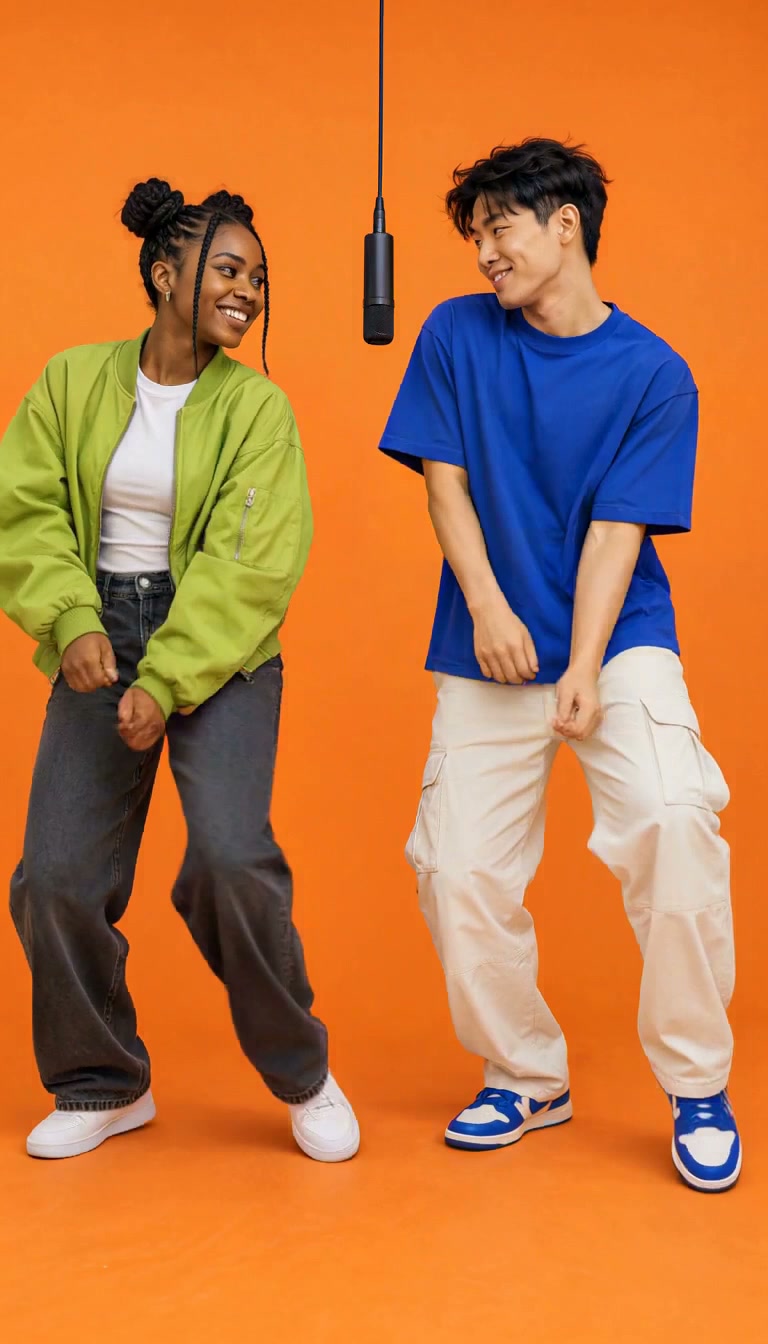
Two young adult friends in green and blue share light knee bounces, smiles and low hand gestures. Generated from one complete original scene image.
MiniMax H3 · 768 × 1344
Your photos. The orange booth.
Use this Hotel Lobby AI generator when your two portraits are ready to upload. Put one person in each reference slot, confirm the left/right assignment and read the quote before creating a short orange-booth MP4. The main Hotel Lobby page shows a real two-photo example.
Start with a 4-second, 768p MiniMax H3 draft. Check your starter balance and credit quote before generating.
Pick a preset, upload your photos and adjust the prompt.
Two friends singing and rapping at one suspended microphone from the opening moment. Start with two separate clear portraits. The 4-second starter uses MiniMax H3. Review the generated audio and add your chosen platform sound after downloading.
For Orange booth duo, upload two separate, clear portraits. Image 1 supplies the left performer and Image 2 the right performer. Check the active reference-to-video mode, both thumbnails, 4 seconds, 768p and the credit quote. An incomplete second slot is an input problem: fix it before submitting. For one complete orange-booth scene image, select Friends dance instead.
Watch three original Hotel Lobby AI performances with different casts: young adult friends, a pet duo and playful fantasy characters. Each real MiniMax H3 video starts from its own original scene image. Sound is muted by default.
Two young adult friends in green and blue share light knee bounces, smiles and low hand gestures. Generated from one complete original scene image.
MiniMax H3 · 768 × 1344
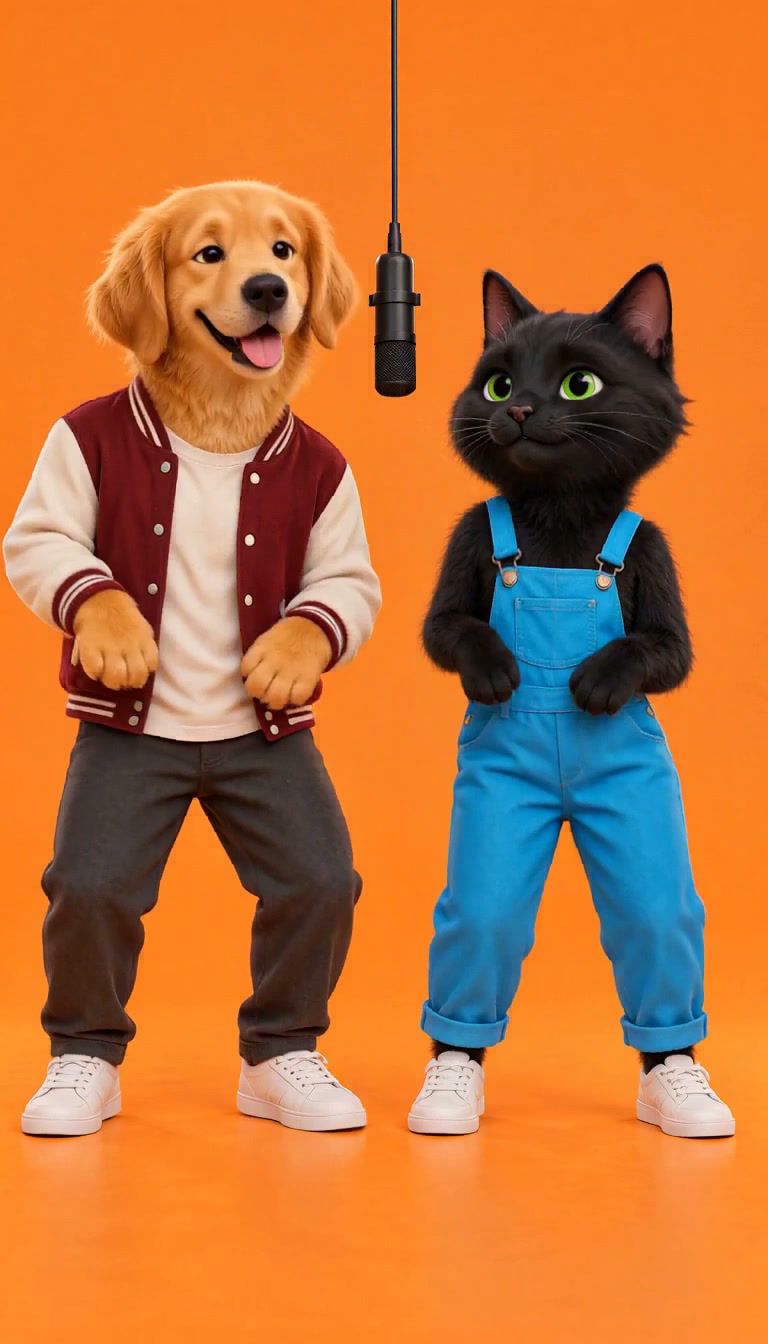
An original golden retriever and black cat sway together, then the cat raises a paw. Generated from one complete original illustrated scene image.
MiniMax H3 · 768 × 1344
An original robot and pink plush alien share a small dance and friendly waves. Generated from one complete original character scene image.
MiniMax H3 · 768 × 1344
Use the Hotel Lobby AI generator by selecting a preset and uploading its required photos. Starter settings use MiniMax H3, 4 seconds, 768p and 9:16. Inspect the AI Hotel Lobby generator quote before submitting; reference portraits and complete scenes use different input modes.
The AI Hotel Lobby generator keeps photo validation, task status and private downloads in one workbench. Edit a preset without leaving your uploaded references. Original AI Hotel Lobby generator examples preserve their actual scene inputs and prompts, so you can reproduce the correct starting setup.
Try this setup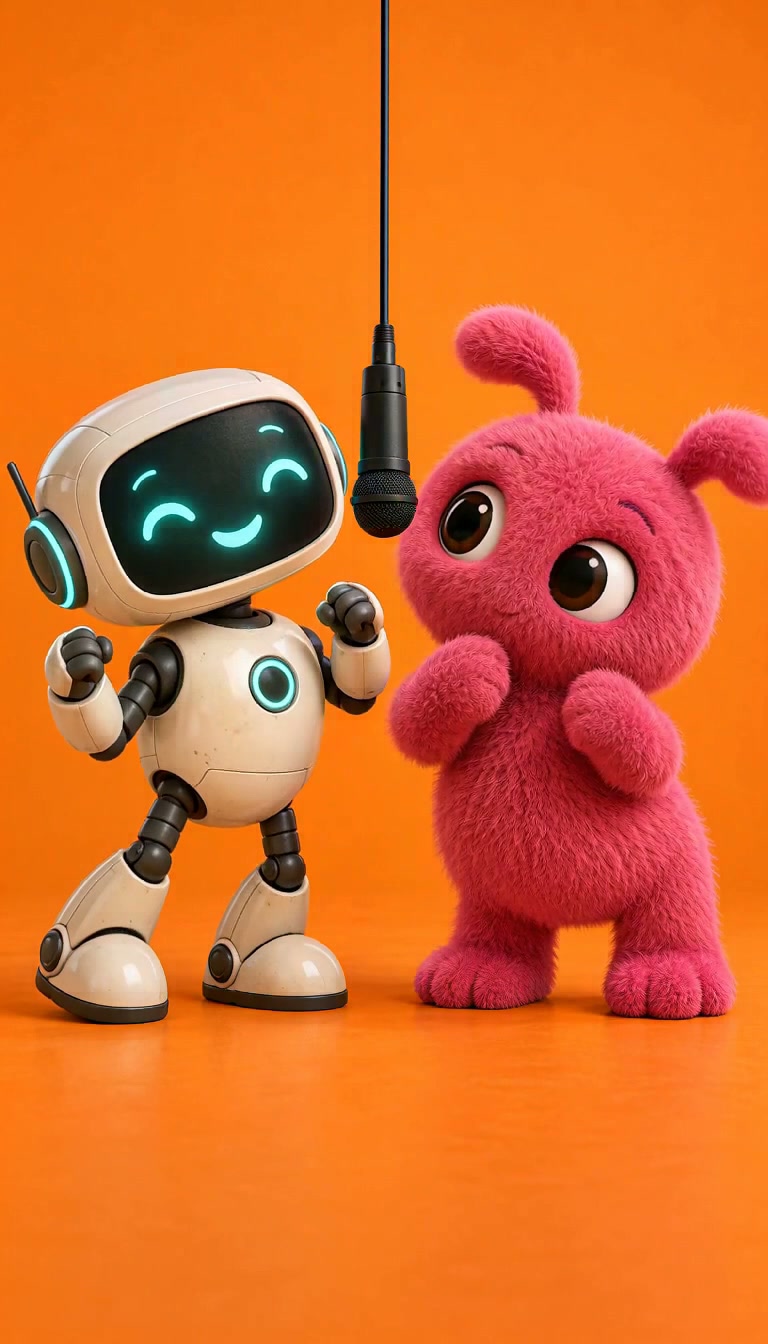
Review your AI Hotel Lobby generator result for stable identities, hands and backdrop. Keep Image 1 left and Image 2 right for portrait duos. Simplify overlapping gestures if performers merge. Download an approved AI Hotel Lobby generator clip and add licensed sound in your editor.
Try this setupUse Reference to Video for separate portraits, with one identity per upload slot. Use Image to Video for a complete scene containing both performers and the hanging microphone. The examples below follow the second route and preserve their own source image and actual prompt. A generator input is not the same as a downloadable finished template; select the route that matches the material you actually have.
Use one clear portrait for Solo or two separate portraits for Duo. Select a template to fill the prompt and keep each reference in its own upload slot.
Start at 4 seconds and 768p with MiniMax H3. Check the credit quote, then generate. The workbench shows progress and keeps the result available for review.
Play the MP4 and check faces, hands and timing. Download the result, then add a licensed platform sound in your preferred social editor.
Choose a subscription for regular creation, or a one-time credit pack below. Compare credit quotes by model, duration, resolution and audio. Choose your payment method at checkout; monthly plans issue credits each billing period and annual plans release credits monthly.
MiniMax H3 · Member benefit
Every paid plan includes MiniMax H3 credits. A 5-second 768P video uses just 5 credits; a 5-second 2K video uses just 10.
768P
1
credit / sec
2K
2
credits / sec
These rates apply to MiniMax H3 credits, issued monthly on both monthly and annual plans.
Annual credits release monthly.
Monthly creation credits
400 general + 150 MiniMax H3
Monthly creation credits
1,200 general + 300 MiniMax H3
Monthly creation credits
2,800 general + 600 MiniMax H3
One-time general credits for all available models. Credits never expire, with no auto-renewal. Subscription benefits and gifted MiniMax H3 credits are not included.
US$7.99
One-time payment
US$21.99
One-time payment
US$44.99
One-time payment
Billed in USD; credits arrive after payment confirmation. Expiring general credits are used first. Failed tasks return eligible credits to their original balance.
Keep creating with tools that fit your source material.
Made something with Vidloop? Tell other creators how it went and what you would change.
Be the first to share your experience. There are no published creator reviews for this page yet.
We review feedback before publishing and use only the public name you choose. For help with a task or billing, contact support.
Photos, credits, audio and your finished clip.
Portrait presets use identity references and request booth movement immediately. They do not lock the opening frame to your portrait. Review face movement; supplied-song lip sync is not promised.
Use clear, well-lit portraits with visible shoulders and unobstructed faces. Duo portraits benefit from similar angles. JPG, PNG and WebP up to 10 MB per image are supported.
Hotel Lobby AI generates original booth movement. Identity, gestures and timing can vary; exact choreography and synchronized lyrics are not guaranteed.
The prompt requests silence, but review generated audio. Add a licensed platform sound after download; availability depends on region, account and permitted use.
A vertical MP4, requested at 9:16. Real H3 examples are 768 × 1344. Starter settings use 4 seconds and 768p; actual duration varies. Longer or higher-resolution drafts can require credits. Provider queue times vary.
Bring a clear portrait, choose your orange booth direction and make a short first draft. Your finished clip is ready to review and download in the workbench.
Make your videoUse photos you have permission to animate. Review faces and hands before sharing. Vidloop is independent of COLORS, the artists and the social platforms.
Photo privacy · Get help · Updated October 6, 2026