
Start with the product moment
Name the one visual proof the viewer should remember: texture, motion, transformation, scale, or use in context.
Commercial shot planner
Build a commercial brief before you generate. Define the product, audience, campaign goal, channel, and visual treatment, then turn the result into a focused Vidloop shot prompt.
Researched and updated August 20, 2026
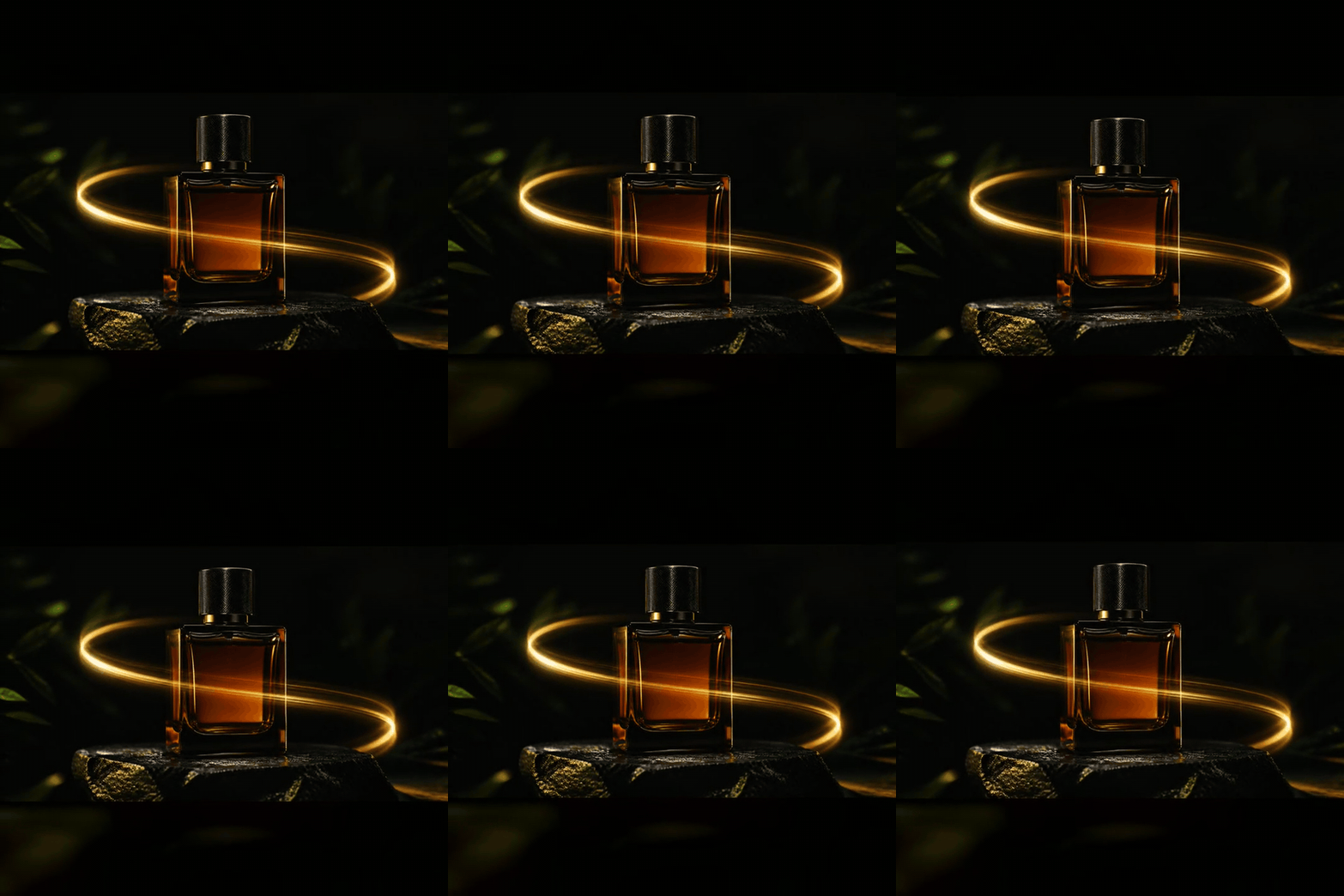
Start with the product moment
Make the decisions that generic one-line prompts skip. The builder returns a shot prompt you can copy or open in Vidloop.
Name the one visual proof the viewer should remember: texture, motion, transformation, scale, or use in context.
A vertical social hook, a landscape pre-roll, and a quiet landing-page loop need different framing and pacing.
Short, directed shots are easier to review and combine than a single prompt that asks for a full campaign.
Define the product, audience, claim, channel, and one action before choosing a visual style.
Describe subject placement, camera move, lighting, background, and the clean final hero frame.
Check product shape, legibility, continuity, unsafe claims, and the opening hook before creating variants.
Combine approved shots, copy, voiceover, music, captions, and a verified CTA in your editing workflow.
| Starting asset | Best Vidloop mode | Use it for |
|---|---|---|
| A written concept | Text to Video | Atmosphere, abstract product worlds, and early creative directions |
| A product photo | Image to Video | Preserving packaging while adding controlled camera or environmental motion |
| Several brand references | Reference to Video | Holding a visual language across a set of shots |
| Opening and final frames | Start + End Frames | Product reveals, transformations, and deliberate closing compositions |
Vidloop is strongest as a short-shot generator. Treat every generated frame as a draft that needs human review.
Some suites assemble scripts, stock clips, narration, and music, but a reliable campaign still needs claim review, brand control, editing, and channel-specific versions. Vidloop focuses on generating short visual shots.
Use text for a new visual world. Use image-to-video when packaging, silhouette, material, or composition must stay close to a real product photo.
Use 9:16 for TikTok, Reels, and Shorts; 16:9 for YouTube, presentation, and landing-page video; and 1:1 for square feed placements.
Use a clean product image or references, ask for one simple motion, avoid scene changes, and review packaging and geometry before reusing a shot.