
Write a shot, not a screenplay
One subject, one visible action, and one camera move give the model a coherent task.
Cinematic shot planner
Turn a story beat into one directable shot. Choose a genre, subject, camera move, mood, and frame, then generate a prompt built for short AI video instead of asking one model for an entire movie.
Researched and updated August 20, 2026
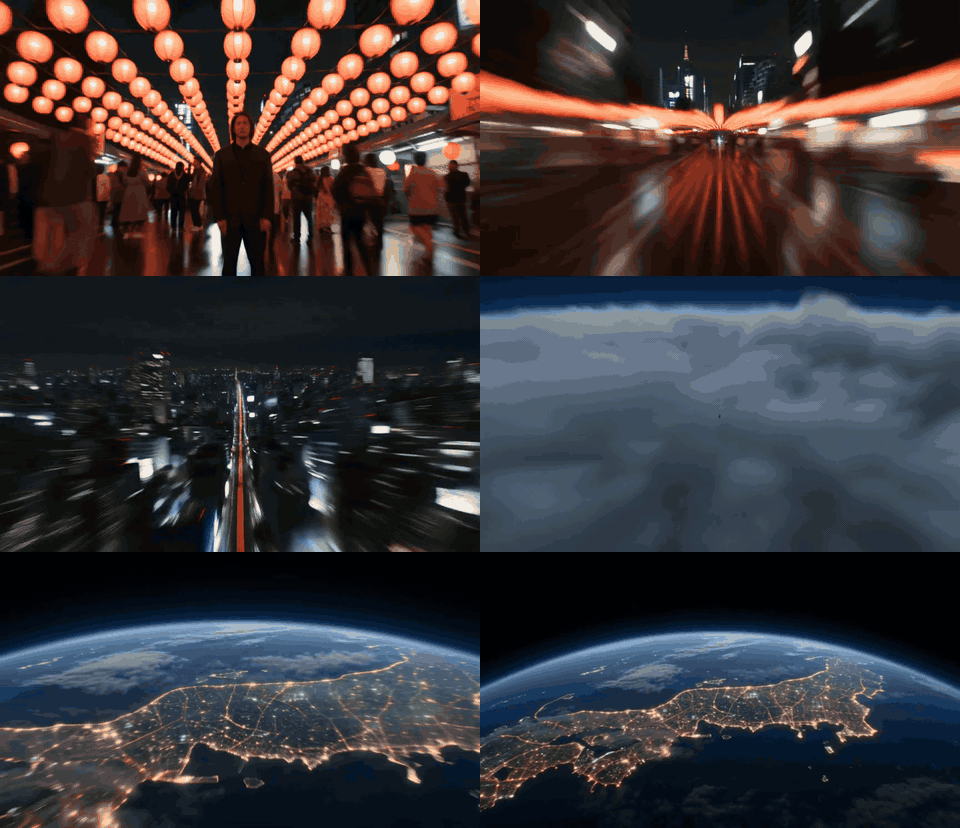
Write a shot, not a screenplay
Define one story beat and the visual rules that should remain stable. Build the next shot only after the first one works.
One subject, one visible action, and one camera move give the model a coherent task.
Repeat wardrobe, props, palette, lens language, and reference images across neighboring shots.
Test blocking, atmosphere, and camera ideas before committing to a longer edit or production.
List only the visible actions required to move the story forward.
Specify framing, lens feel, camera motion, light, subject action, and the end composition.
Reject identity, costume, prop, geography, or lighting drift before generating the next shot.
Assemble approved shots, dialogue, sound, pacing, titles, and transitions in a real editing timeline.
| Workflow | Best use | Main risk |
|---|---|---|
| Text to Video | Concept shots, environments, and visual exploration | Character and prop consistency |
| Image to Video | Animating a designed keyframe or character look | Unwanted shape or identity drift |
| Reference to Video | Holding style or subject cues across shots | References competing with the prompt |
| Start + End Frames | Planned reveals and transitions | Motion between frames may still be unpredictable |
Vidloop can help create individual shots and previs. A coherent movie still depends on writing, art direction, editing, sound, rights, and human review.
It can generate shots and short sequences, but long-form continuity, performance, pacing, dialogue, and editorial judgment still require a production workflow.
Use clean reference images, repeat stable wardrobe and appearance details, simplify the action, and review every accepted shot against a continuity sheet.
State shot size, camera position, movement, subject direction, lighting, and the desired final composition. Avoid stacking conflicting moves.
Use text to explore. Use an image or references when the character, costume, prop, composition, or art direction must remain recognizable.