
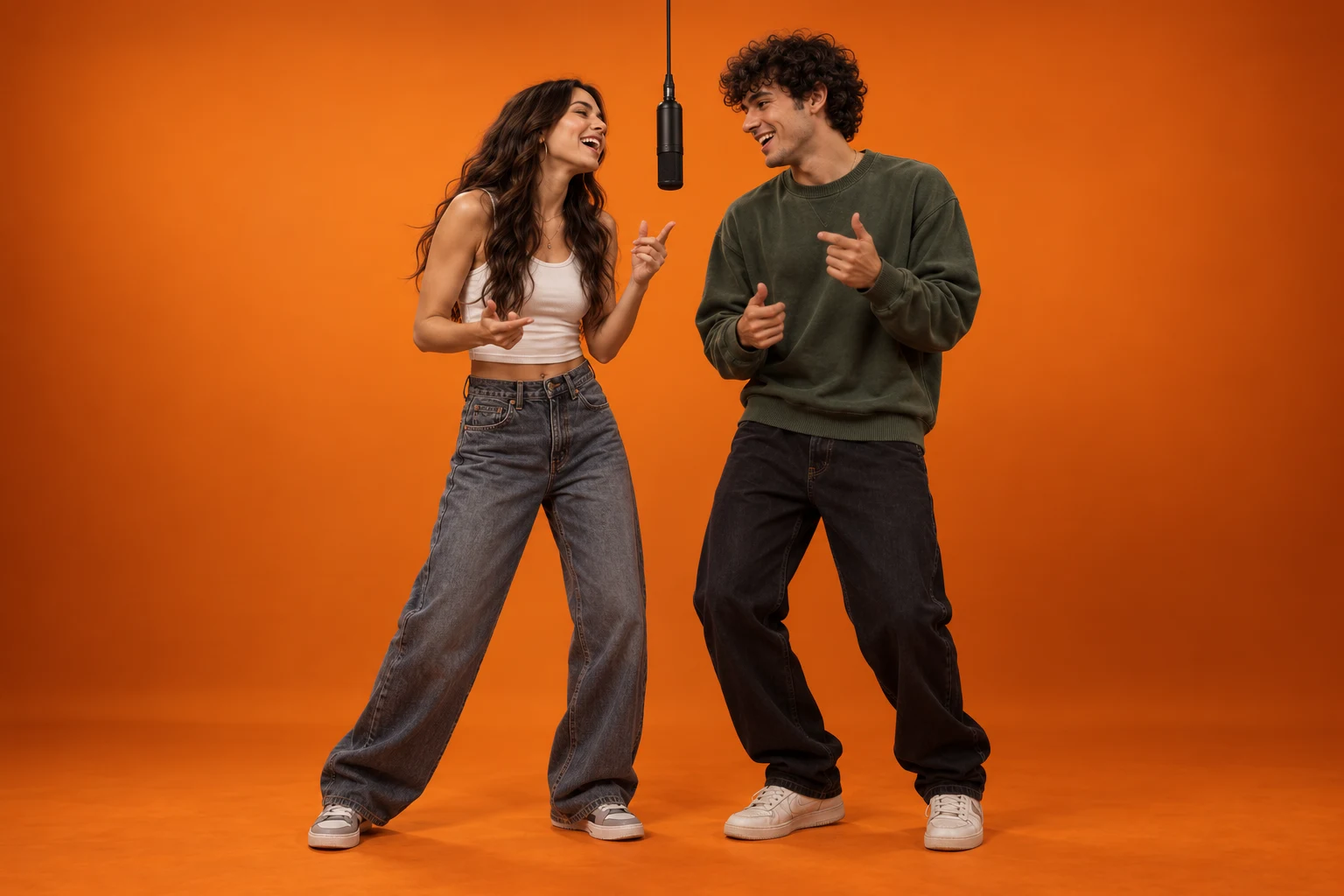
 HOT TREND · 1–2 PHOTOS
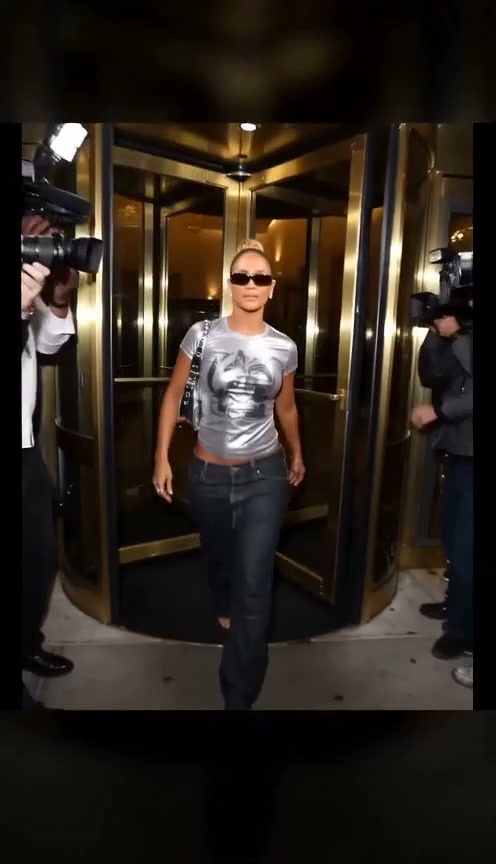
Make the Hotel Lobby AI trend
Your portrait. An orange booth. A 4-second performance. Start solo or bring a friend.
VidLoop is an online AI video generation platform. Turn text or images into short videos with Veo, Kling, Seedance and MiniMax. Start from editable examples or effect templates, check the credit quote, and download your finished MP4.
Trending & featured
Pick a look, add your photos and make it yours.
HOT TREND · 1–2 PHOTOSYour portrait. An orange booth. A 4-second performance. Start solo or bring a friend.

1 photo · 4s · 480p

1 photo · 8s · 480p

1 photo · 5s · 480p

1 photo · 4s · 480p

1 photo · 5s · 480p
Upload one or two photos, choose an orange booth performance preset and prepare a vertical clip. Explore the generator, free starter settings, tutorial, templates and editable prompts.
Curated starting points
Explore production-ready ideas spanning cinematic reveals, products, fantasy, mixed media, fashion, and visual comedy. Open a card for the full setup or apply it instantly.





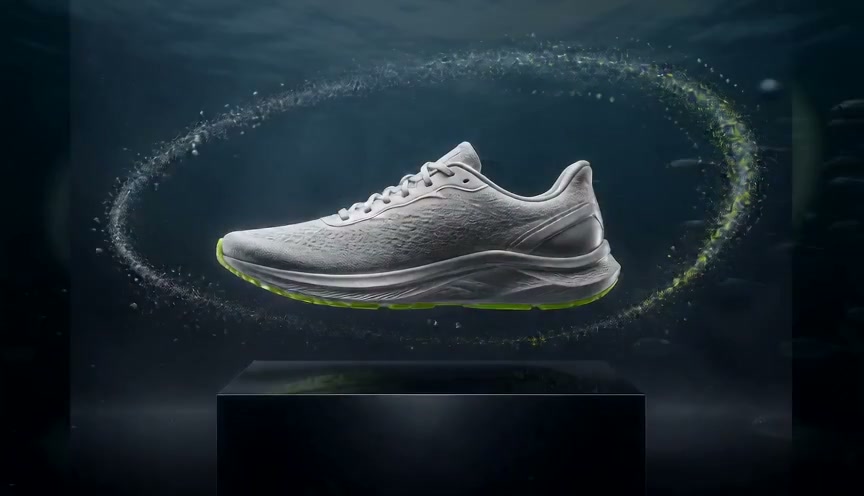
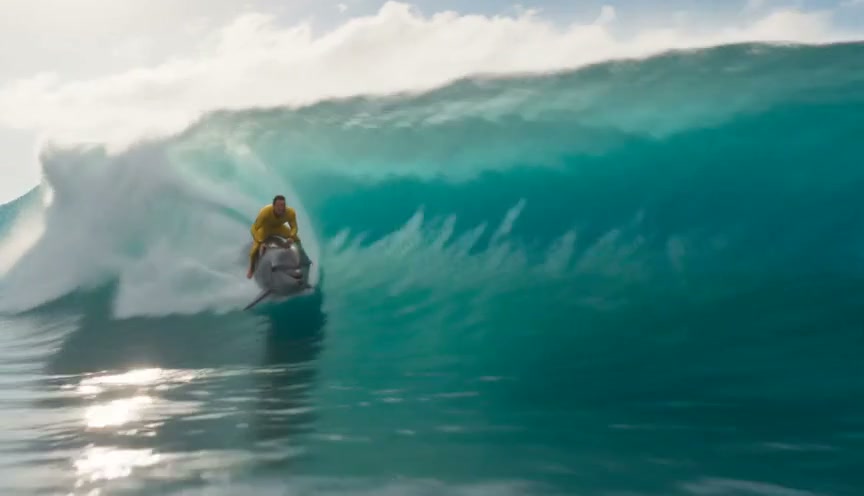



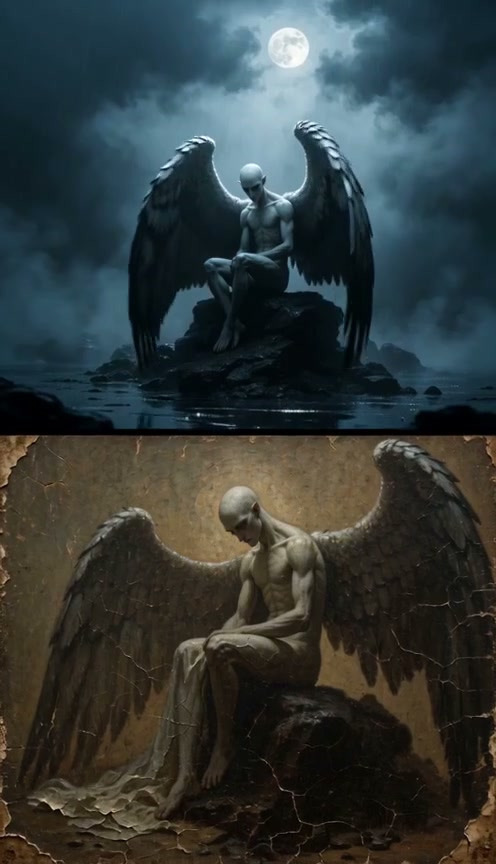




Every example above comes from a genuine provider video and passes media, motion, and human review. Open a card to watch the MP4, inspect its prompt and parameters, or apply the setup. No public user gallery is indexed.
Three focused modes
Start with a sentence, one source image, or a small set of visual references.
Creation mode
Turn one clear scene description into a short clip for TikTok, Reels, Shorts, ads, or storyboards.
Creation mode
Animate a product, portrait, or illustration while keeping the complete source visible in the workbench.
Creation mode
Keep characters, products, and visual identity consistent across motion with one to four ordered reference images.
How it works
Start with 2 H3 credits, then sign in for 2 more. The price is shown before every video.
Write the scene or add a JPG, PNG, or WebP source image.
Pick a model, then set 9:16, 16:9, or 1:1 and the supported audio mode.
Follow the live task stage, review the result, then download the real MP4.
Why create with VidLoop?
VidLoop is an online AI video generation platform for creators, marketers and small teams. Turn a written idea or your own images into short videos, explore visual effects, and choose among video models in one workspace.
Watch a finished example, inspect its prompt and settings, then apply a starting setup. Effect templates provide a prepared motion direction that you can adapt to your own image and idea.
Explore available models such as MiniMax H3, Veo, Kling and Seedance. The workbench shows the creation modes, durations, resolutions and audio choices supported by your selection.
Check the quote for your model and settings before submitting a video. Follow its task stage while it runs; eligible reserved credits are returned when a failed generation is confirmed.
Preview the completed video and download its MP4 from the result. Signed-in creators can find saved tasks in account history. Uploads and results are private by default, with retention explained in the Privacy Policy.
Compare the source image, actual MP4, exact prompt and generation settings.
See two separate portraits become an orange-booth scene, with the observed limits.
Customer experience
I quickly got the result I wanted on your website. On other sites, I had to keep adjusting my prompts. You have done a great job—it is more convenient than several video generation tools I have used.
Anonymous VidLoop customer
Shared with permission. Translated and edited from the customer feedback supplied to us; this is a summary of their experience, not a verbatim transcript.
This customer valued a quicker path to the effect they wanted. Results depend on the input, chosen model and settings, and may still need refinement.
Built for repeat use
A small, clear set of jobs—without burying the generator under an endless effects directory.
Vertical, replay-ready clips for TikTok, Reels, and Shorts.
Controlled product movement for listings, launch pages, and paid social.
Bring an illustration or original animation frame into motion.
Quiet, repeatable motion for hero sections and ambient surfaces.
Honest free access
Start with 2 MiniMax H3 credits. Sign in and verify your email for 2 more: together, 4 credits cover one 4-second 768P video. Sign-in rewards are capped at 10 credits per month. Failed tasks release eligible credits; purchase a plan or credit pack to unlock other models.
See upgrade optionsUpgrade when needed
See plans, credits and billing terms on the pricing page.
Choose a subscription for regular creation, or a one-time credit pack below. Compare credit quotes by model, duration, resolution and audio. Choose your payment method at checkout; monthly plans issue credits each billing period and annual plans release credits monthly.
MiniMax H3 · Member benefit
Every paid plan includes MiniMax H3 credits. A 5-second 768P video uses just 5 credits; a 5-second 2K video uses just 10.
768P
1
credit / sec
2K
2
credits / sec
These rates apply to MiniMax H3 credits, issued monthly on both monthly and annual plans.
Monthly creation credits
400 general credits + 150 MiniMax H3 credits
MiniMax H3 member benefit
5-second videos each month
768P
30 videos
Only 1 credit/sec
2K
15 videos
Only 2 credits/sec
Monthly dedicated credits, spent entirely at either resolution. General credits use the workbench quote.
768P member top-up rate
≈ US$0.0208/sec
Plan includes
Monthly creation credits
1,200 general credits + 300 MiniMax H3 credits
MiniMax H3 member benefit
5-second videos each month
768P
60 videos
Only 1 credit/sec
2K
30 videos
Only 2 credits/sec
Monthly dedicated credits, spent entirely at either resolution. General credits use the workbench quote.
768P member top-up rate
≈ US$0.0194/sec
Plan includes
Monthly creation credits
2,800 general credits + 600 MiniMax H3 credits
MiniMax H3 member benefit
5-second videos each month
768P
120 videos
Only 1 credit/sec
2K
60 videos
Only 2 credits/sec
Monthly dedicated credits, spent entirely at either resolution. General credits use the workbench quote.
768P member top-up rate
≈ US$0.0179/sec
Plan includes
One-time general credits for all available models. Credits never expire, with no auto-renewal. Subscription benefits and gifted MiniMax H3 credits are not included.
US$7.99
One-time payment
1 Seedance 2.0 videos · 1080P · 5 seconds
At 115 credits each, without video input. Other settings use the quote shown before generation.
US$21.99
One-time payment
4 Seedance 2.0 videos · 1080P · 5 seconds
At 115 credits each, without video input. Other settings use the quote shown before generation.
US$44.99
One-time payment
10 Seedance 2.0 videos · 1080P · 5 seconds
At 115 credits each, without video input. Other settings use the quote shown before generation.
Billed in USD; credits arrive after payment confirmation. Expiring general credits are used first. Failed tasks return eligible credits to their original balance.
Practical AI video guides
Plan a commercial or film, compare tool categories, translate responsibly, or create an audio-reactive video in your browser.
Plan shots, channels, and a production-ready prompt.
Turn a scene into a controllable shot brief.
Match tool categories to your workflow.
Preview and export reactive visuals locally.
Choose by editing task and tradeoff.
Build a first prompt and production checklist.
Create an audio-reactive visual with artwork.
Plan transcription, dubbing, review, and delivery.
Clear answers
What we do, who we help, how templates work, and what to expect from your first AI video.
VidLoop, at vidloop.ai, is an online AI video generation platform. It brings text-to-video, image-to-video, reference images, start and end frames, and effect templates into one workbench, with supported modes depending on the chosen model. You prepare a shot, check its credit cost, generate a short video and download the finished MP4. VidLoop provides the creative workflow and access to third-party video models; it does not claim to develop those underlying models.
VidLoop is designed for creators, marketers, product sellers and small teams making short visual content. Common uses include social clips, product showcases, animated portraits or artwork, and visual effect experiments. Choose an example close to your goal, use assets you have the right to upload, and review the complete output before publishing.
VidLoop puts examples, editable prompts, effect templates, model selection, supported settings, credit quotes and MP4 delivery in the same workspace. You can begin with a prepared setup instead of writing every instruction from scratch. This gives you a concrete starting point and makes it easier to adjust the motion, subject or style you want. It does not guarantee a perfect first result or remove the need to review an AI-generated video.
Yes. The model selector includes available models from families such as MiniMax, Veo, Kling and Seedance. Model access depends on the current rollout, your account and your credit type. Each model has its own supported modes, duration, resolution and audio settings. Check the current selector and quote for the exact options available to your task.
Example cards let you watch an output and inspect the prompt and parameters behind it. Applying an example loads a starting setup into the workbench, adapting options where required by your model or account. Effect templates add a prepared motion direction to your uploaded image, and you can refine the prompt. A template is a starting point rather than a promise to reproduce the same video: a different input or model can change the result.
One customer gave permission to share that they quickly achieved the effect they wanted on VidLoop, whereas other tools they had used needed repeated prompt adjustments. They described VidLoop as more convenient than several video generators they had tried. We publish this as an anonymous, edited summary of that individual experience, with an English translation; it is not a measured comparison or a guarantee of results for every user.
The selected model, duration, resolution and supported audio option determine the credit quote before Create. Begin with a short draft, inspect the whole clip and increase quality only when the shot works. Each model supports its own combinations; changing a setting refreshes the quote without submitting a task. Account history records the actual task and credit cost. Failed tasks return eligible reserved credits after their failure is confirmed.
New visitors receive 2 MiniMax H3 starter credits without signing up. Each video uses the displayed credit price, including videos paid for with gifted credits. A 4-second 768p MiniMax H3 video costs 4 H3 credits, so new visitors need the 2-credit verified sign-in reward to complete their first video. Confirmed failed tasks release their reserved credits. Members can receive up to 2 daily H3 sign-in credits, capped at 10 per calendar month.
You can create supported MiniMax H3 guest videos with your starter credits before signing up. Unused starter credits transfer on your first sign-in. Sign in for account history and daily H3 rewards; purchase a subscription or general credit pack to unlock other models.
Wait until the task is ready, then use the download icon beside the result to save your MP4. Keep the page open while a guest task runs. Signed-in users can also find their saved tasks in account history. Download files before the retention period in the Privacy Policy ends.
Yes. Upload a JPG, PNG, or WebP image up to 10MB, describe the motion you want, choose a format, and generate.
Timing depends on the scene and queue. Vidloop shows the live task stage and releases reserved credits when a generation is confirmed to have failed.
Commercial use depends on the applicable model license, your rights to every uploaded asset, and the Vidloop Terms and Acceptable Use Policy. Vidloop does not grant rights you do not already have.
Uploads and results are private by default, are not added to a public gallery, and are scheduled for automatic deletion. The retention period is disclosed in the Privacy Policy.
Start with a prompt or photo and 2 MiniMax H3 credits. Sign in for 2 more, check the credit quote, and bring your idea to life.